Start an event

For weddings

The photographer gets the ceremony. Your guests get everything else.

The bit before, the bit after, the table you weren't sitting at. Put a code on every table and the photos your guests take all evening land in one album, at full size, without anyone chasing anyone.
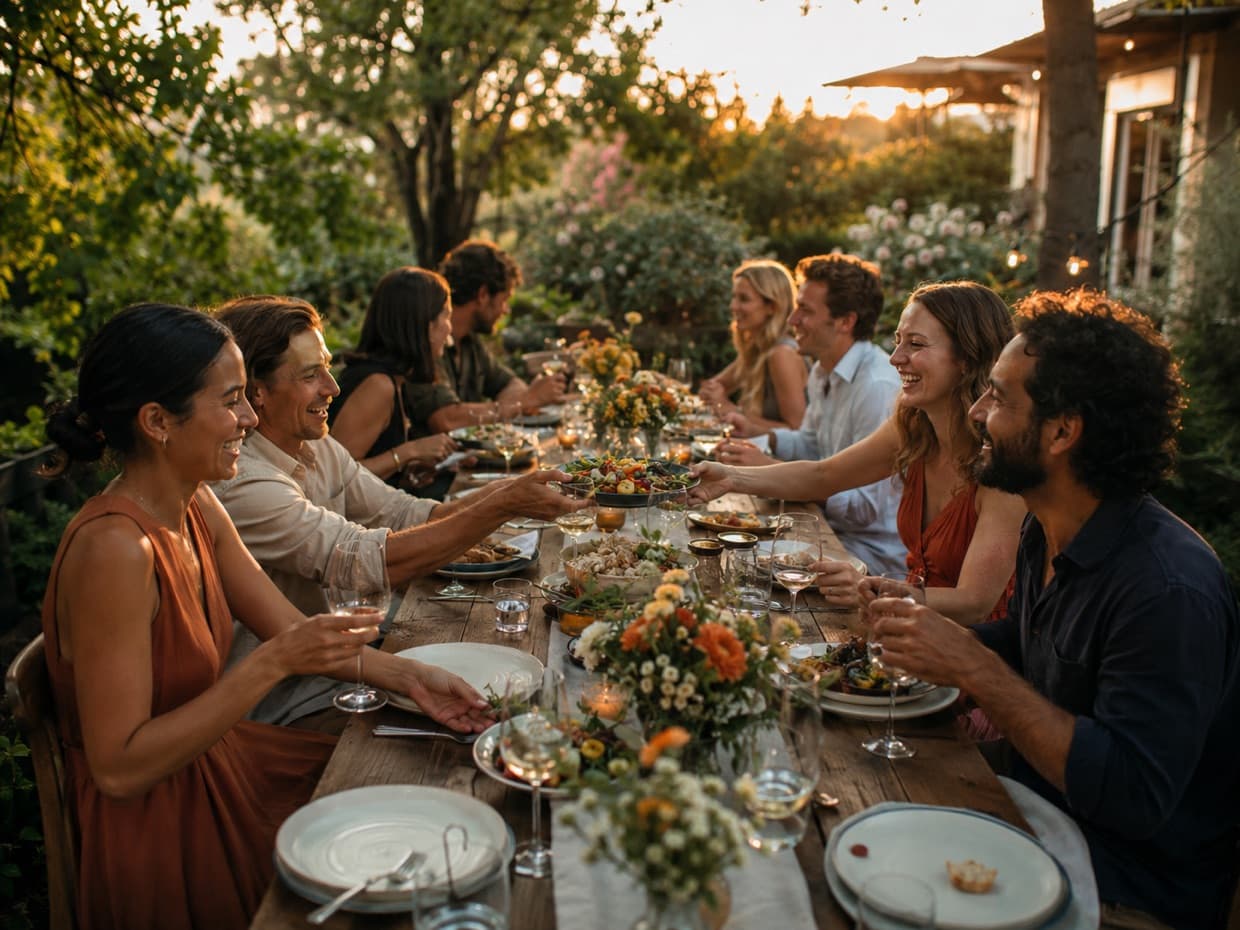
A long table of friends eating outdoors at golden hour

Snap.Share.Be part of it.

Point your phone camera here

Why it fits

Every table, every angle

Eighty guests with phones see eighty things one photographer can't. This is where those go.

The whole day, not just the speeches

Open it at the ceremony, close it after the last dance. Anything still on a phone keeps landing for a week.

Private to the two of you

No public gallery, no link doing the rounds. You decide who sees the album, and when.

How it works

Three steps, and one of them is printing.

1

Create the event

Name it, set the hours, print the sign. The code is fixed the moment the event exists, so print as early as you like.

2

People scan and shoot

Their own camera opens. No app, no sign-up. Every photo is saved to the phone first, then sent.

3

Download everything

Originals, at full size, as one zip. Or pick through the album on your phone the next morning.

The sign

A card that suits the table.

Two of the three sign styles were drawn with weddings in mind: Signature, and Classic — cream, small caps, no confetti — for a more formal table. Print an A5 card for each one, and an A4 by the bar.

  • Prints from your browser at true size, or saves as a PDF for the printer
  • The code never changes once the event exists, so print weeks ahead
  • Works alongside your photographer, not instead of them

Straight answers

Do guests need to download anything?
No. They point their camera at the code and it opens in their browser. No account, no password, no app store.
What about the marquee with no reception?
Every photo is saved to the phone first and sent when there's signal — even if that's in the car home. The album keeps filling for a week after.
Can we choose what guests see?
Guests only ever see their own photos. You see all of them, and can hide any before you share the album on.
Do guests have to take photos in the app?
No. In the app it works like a disposable camera, one shot at a time. Anyone who takes twenty on their own camera can pick the best and send those from their camera roll — which is exactly what the bridesmaids will do.

Set it up the week before. Forget about it until the morning after.

Create the event, print the cards, and let the people who love you do the photography.

Create your event